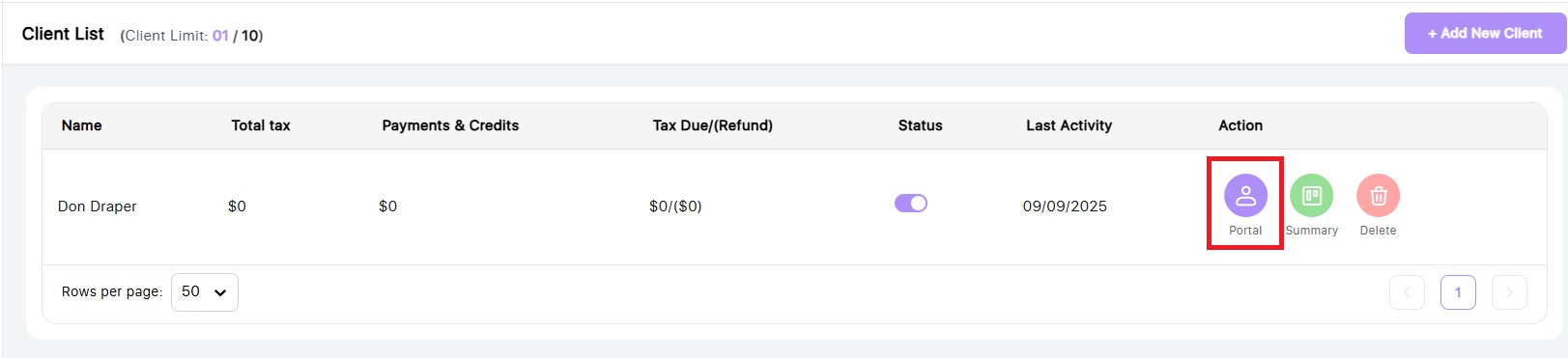
To view the recommended strategies, navigate to your client list and click the purple portal button to access the client portal.
Next, click on the Planning page in the left navigation bar
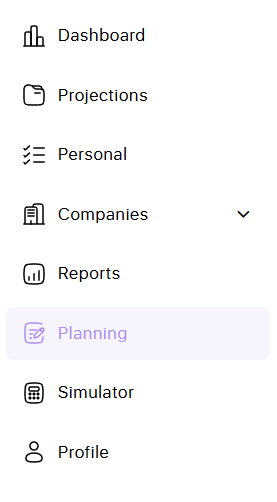
It will take just a minute or so to load the page

On this page you will see two tabs at the top. One page has the recommended strategy calculations and the other has details about the strategy itself.

On the Recommendations tab, you will see a list of strategy names. Next to the name, you can toggle them on or off to show up in your Reports.
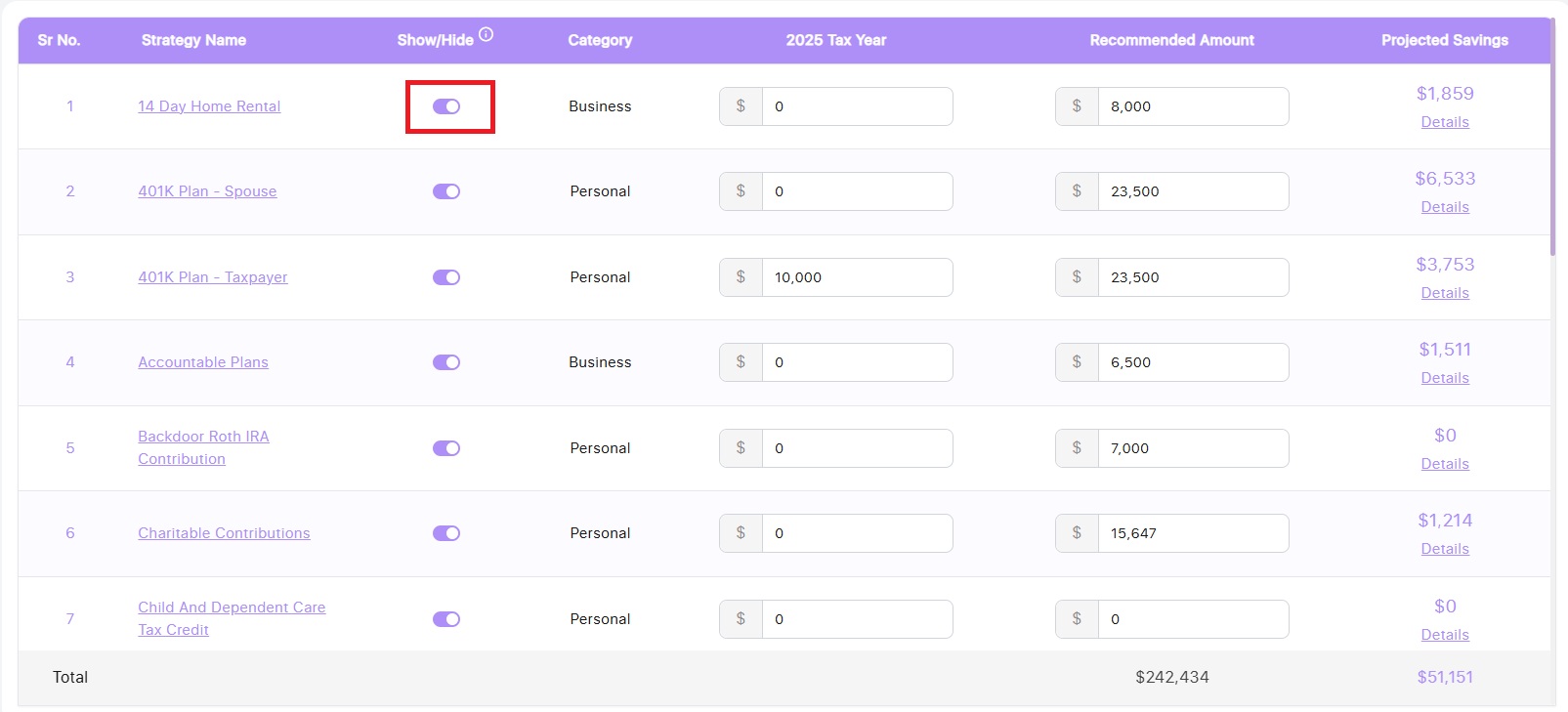
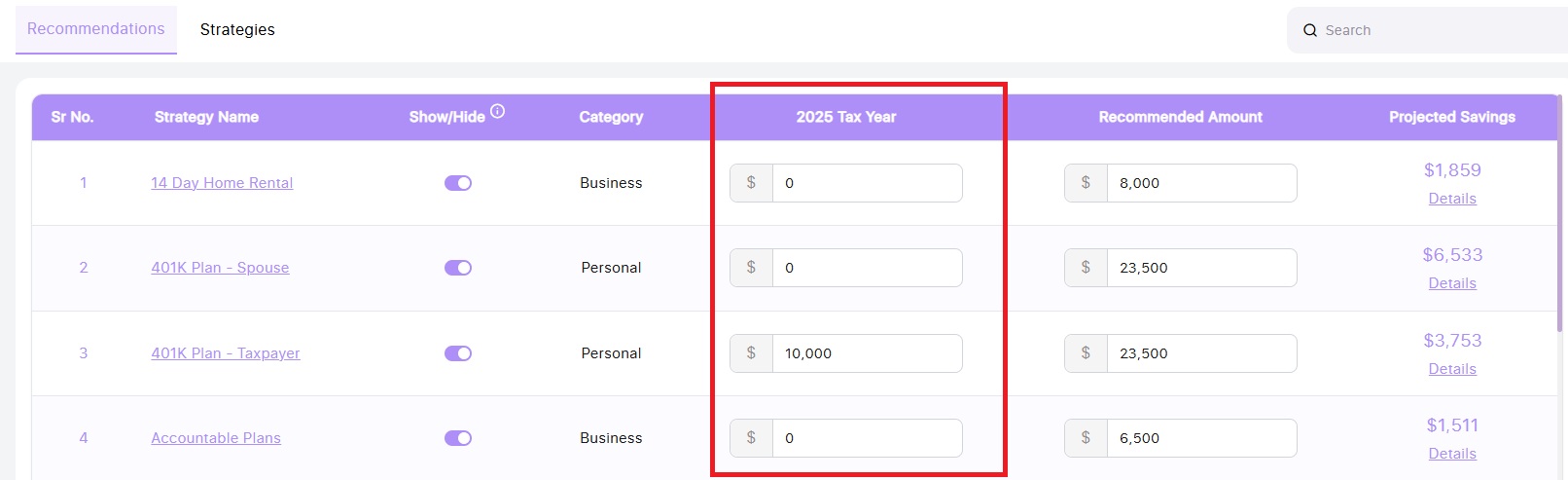
The 2025 Tax Year column is the data we the system knows so far for the tax year based on the business and personal projection data in the projection. You can edit these amounts as needed.
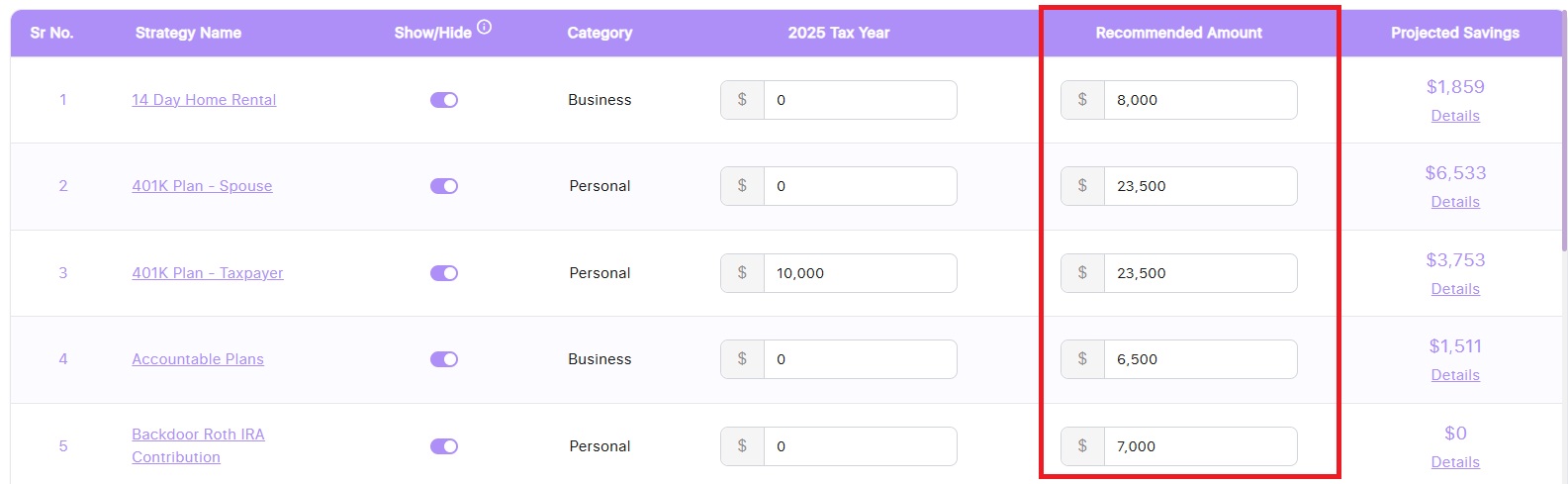
The Recommended Amount is some natural defaults but these cells are completely editable so you can make them whatever you want.
The final column shows the tax savings amounts for each. This is a total savings for Federal taxes and state taxes (if applicable).
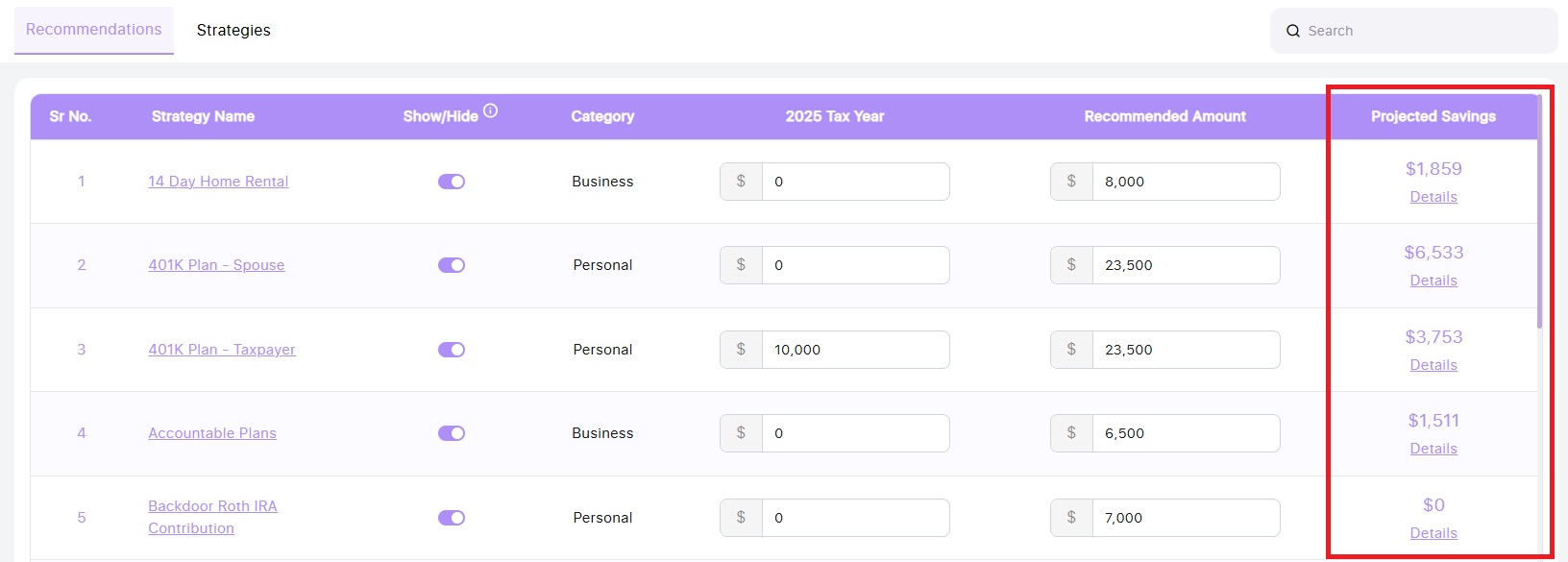
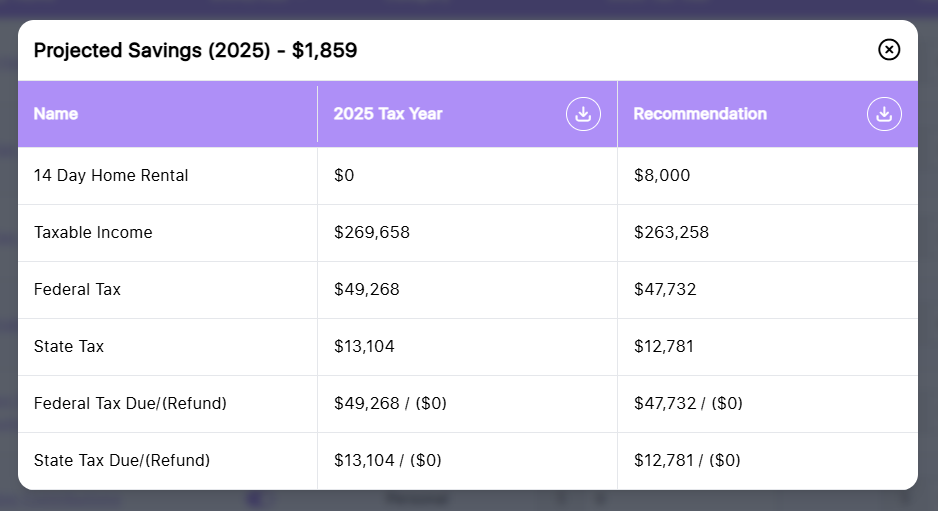
Click the Details link to see the breakdown of the savings